You talk to AI every day.
It never becomes knowledge.
Mycelia turns your conversations into a structured, local knowledge base, automatically. No writing, no filing, no lock-in.
Built for developers who talk to AI every day · macOS, Windows, and Linux
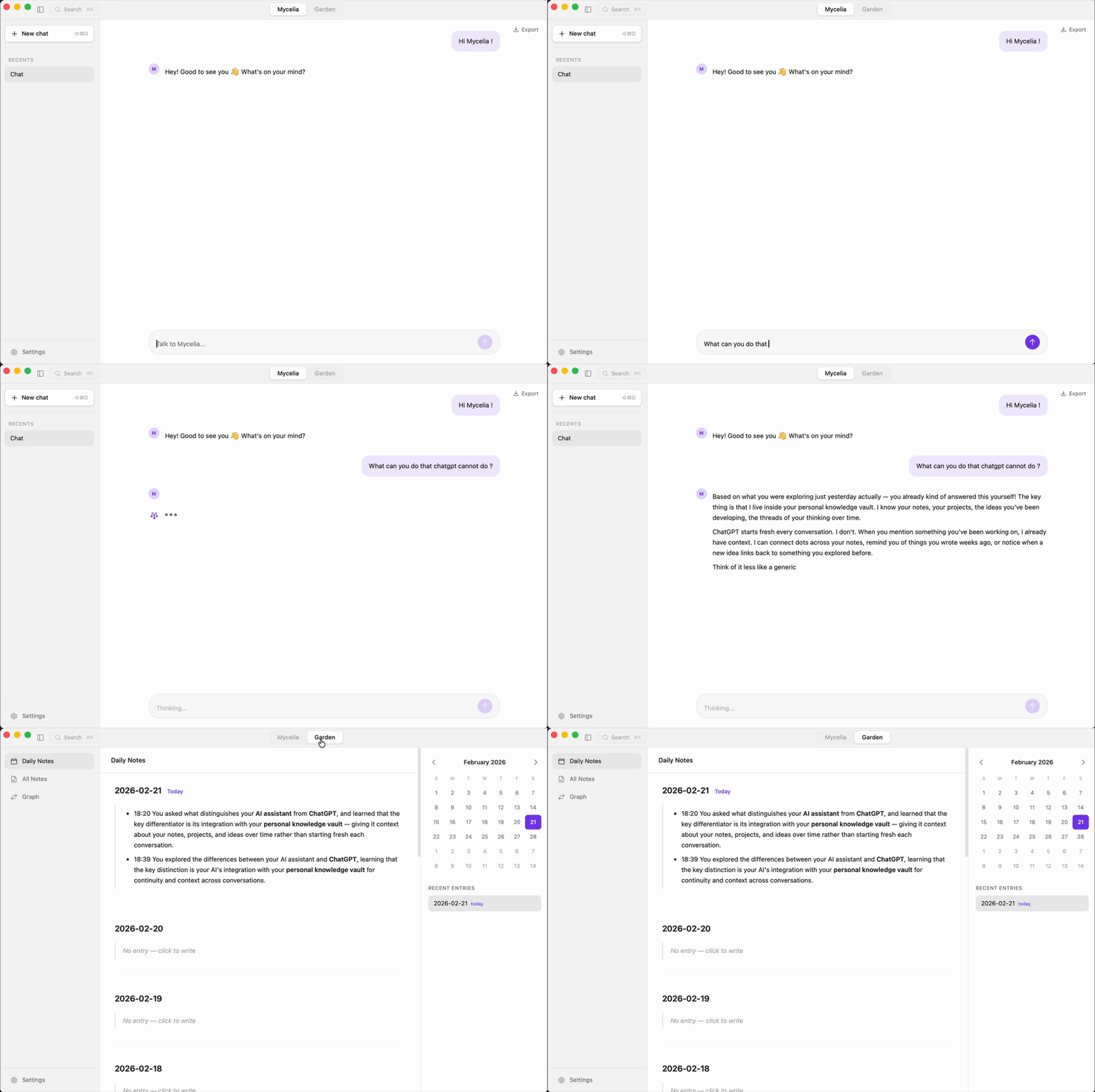
A week of conversations. Zero notes written.
You ask Mycelia about pricing strategy for your SaaS
Two seconds later, Mycelia extracts a note: decisions/pricing-strategy.md — with tags and [[wikilinks]] to related concepts. No manual filing.
You brainstorm feature priorities
Mycelia links the new notes to Monday's pricing decision automatically. No tagging, no filing — the connections build themselves.
You search "pricing" and find everything
The conversation, the extracted notes, the connections. No manual filing. No copy-paste. Just a week of talking.
This is what your vault looks like after a week of just talking.
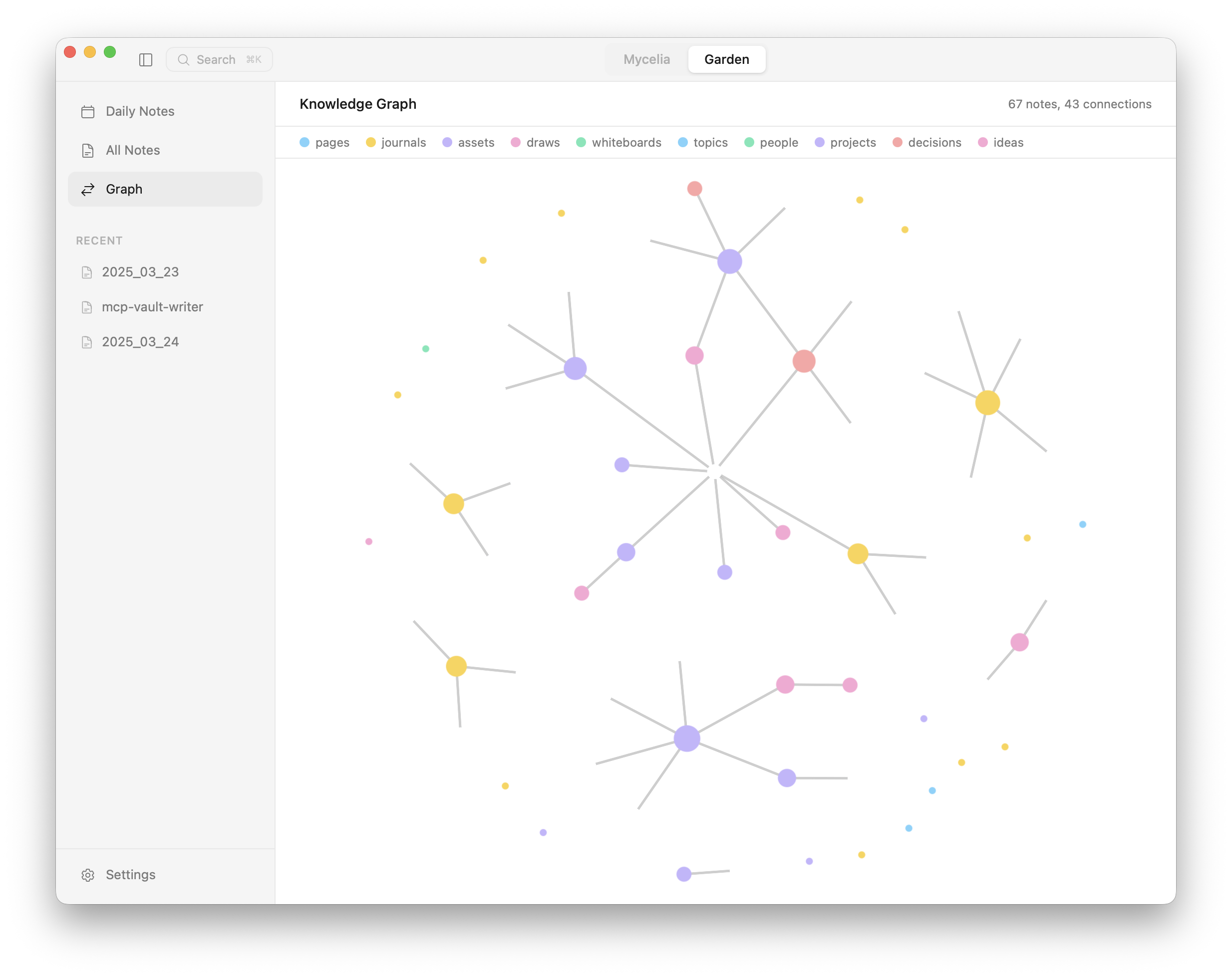
A daily log you never have to write
Every conversation is summarized into timestamped journal entries. Browse by date, search across weeks. Your work log builds itself from the conversations you're already having.
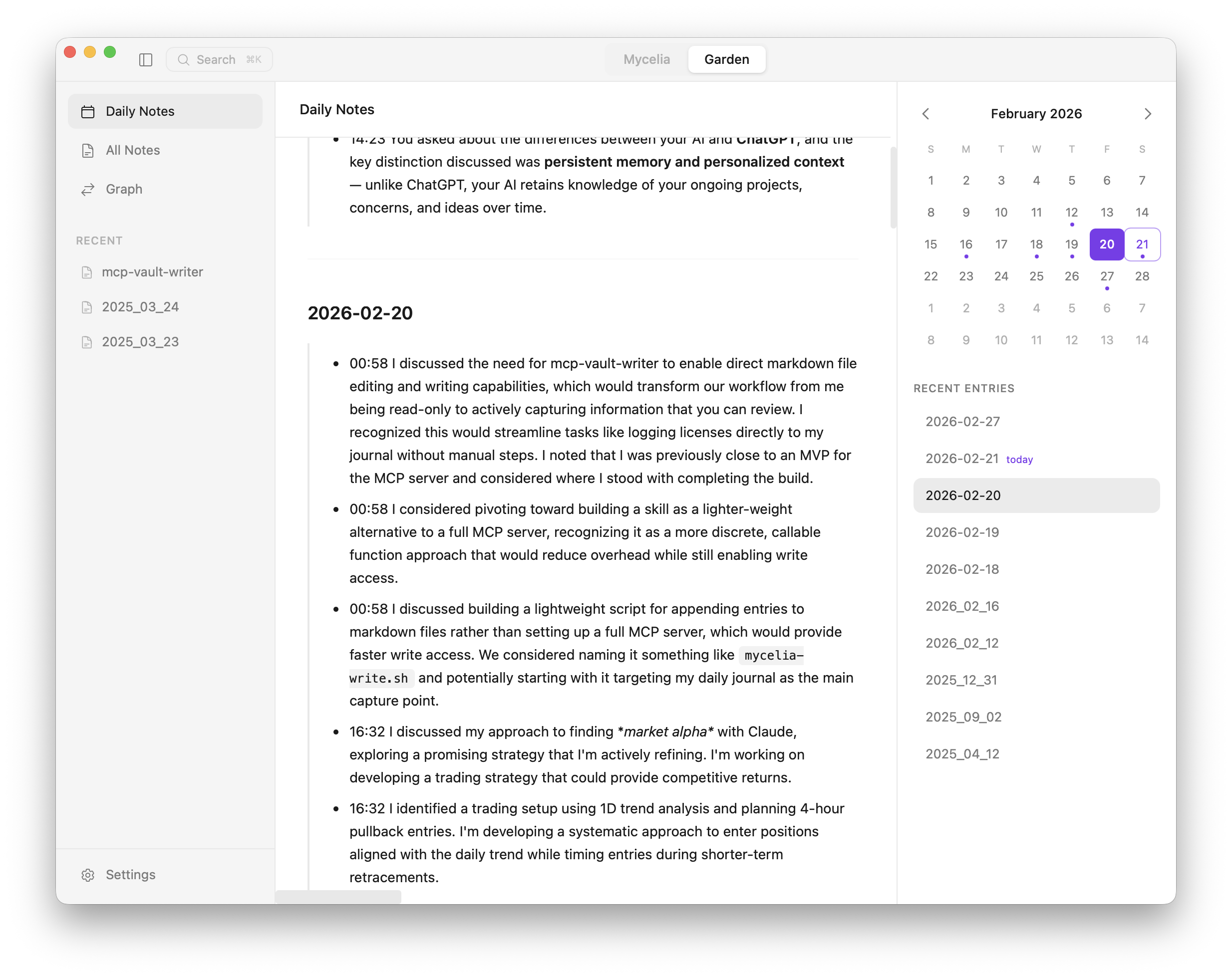
Every idea you've mentioned, connected
People linked to projects linked to decisions linked to ideas. The graph grows from your conversations — no manual linking required.
Your vault talks back.
Ask Mycelia something and it searches your notes first. Past decisions, old brainstorms, forgotten context — surfaced automatically in the conversation. The longer you use it, the smarter it gets.
Automatic retrieval
Every message triggers a search across your vault. Relevant notes are pulled into context before the AI replies.
Your knowledge, not a black box
Unlike Claude's memory or ChatGPT's, your knowledge lives in plain files you control. Inspect it, edit it, back it up.
Compounding context
Week one, it knows a little. Month three, it remembers every project, every decision, every person you've mentioned.
One price. No subscription.
Start free with local AI. Unlock cloud models once — pay nothing after.
Free
Full app with local AI. No account, no catch.
- Ollama (local models)
- Full vault & graph
- Note editor & search
- Daily journal
- Obsidian compatible
- No account needed
Pro
Early bird — €42 at launch. One payment, forever yours.
- Everything in Free
- Claude, GPT-4, Gemini & 100+ models via OpenRouter or any OpenAI-compatible API
- 3x more accurate extraction (Claude vs local models)
- Semantic search across your entire vault
- All future updates included
- Your API key, your usage — we don't take a cut
Frequently Asked Questions
Completely. Mycelia runs locally on your machine. Your vault is a folder of plain markdown files you own. With the free tier (Ollama), nothing leaves your device. With Pro, API calls go directly from your machine to the AI provider — whether that's Anthropic, OpenRouter, or your own self-hosted endpoint. No middleman, no cloud storage.
Yes. Your Mycelia vault is an Obsidian vault. Same markdown, same [[wikilinks]], same folder structure. Open it in both apps simultaneously — Mycelia captures, Obsidian edits.
Yes. The free tier uses Ollama for local models (Llama, Mistral, etc.). Pro unlocks Claude, GPT-4, Gemini, and 100+ models via OpenRouter — or connect any OpenAI-compatible API (vLLM, LiteLLM, Together, Azure OpenAI, etc.). You can mix and match — fast local model for extraction, powerful cloud model for chat.
Nothing changes about your notes. They're plain markdown files in a folder on your machine. Open them in Obsidian, VS Code, or any text editor. grep them, back them up with git, move them anywhere. There's no cloud account to cancel, no proprietary format to export from.
Your next AI conversation is the first seed in your garden.
No download, no account, no setup.
macOS, Windows, and Linux